No two post-apocalyptic worlds should feel like they rolled off the same conveyor belt. That’s the energy behind the May 13, 2026 Custom Servers update in Once Human. I’ve been poking around the new server options, and honestly, it feels less like a patch and more like being handed a master key to an armory. Server Hosts can now reshape weapons, armor, and consumables, then deploy them through nearly every distribution channel the game supports. On top of that, a new Exclusive Rewards Event runs from May 13 to May 27, 2026, offering a fresh prize pool for hosts who keep their worlds lively.
Custom Weapon Settings: Your Armory, Your Rules
Under Server Settings → Gameplay Settings, hosts can start with an existing weapon and then adjust it until it barely resembles the original. The customizable options include the weapon name, required level, max Durability, Attack, Fire Rate bonus for firearms, magazine capacity for firearms, Crit Rate, Crit DMG, Weakspot DMG, core weapon trait, and four additional passive effect slots.
| Area | What You Can Tweak |
|---|---|
| Identity | Weapon name, required level |
| Core stats | Max Durability, Attack, Fire Rate bonus, magazine capacity |
| Output | Crit Rate, Crit DMG, Weakspot DMG |
| Traits | Core weapon trait, 4 passive effect slots |
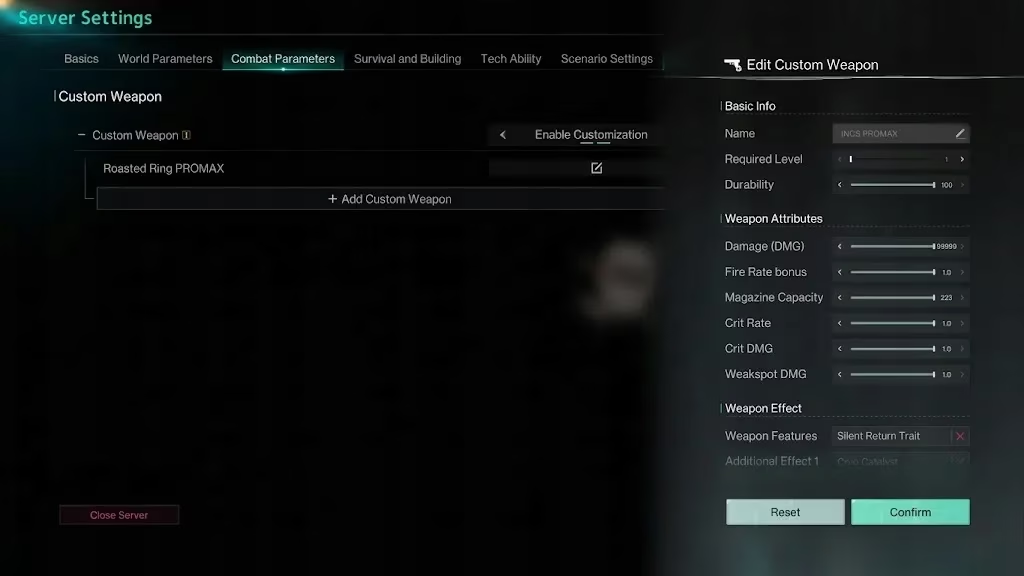
This is like tuning a sailboat’s rigging: each stat you raise or lower shifts the center of pressure, and too much canvas in the wrong wind will knock the whole thing flat.
Custom Armor Settings: Mix, Match, and Reinvent
Armor follows a similar path. Hosts pick existing armor, adjust stats, reset its base effect, and add extra effects from dozens of choices. Depending on the scenario type, options shift between pollution resistance and Psi Intensity for non-RaidZone scenarios, or Force for RaidZone scenarios. You can also tweak armor name, required level, max Durability, HP, base effect, and four passive effect slots.
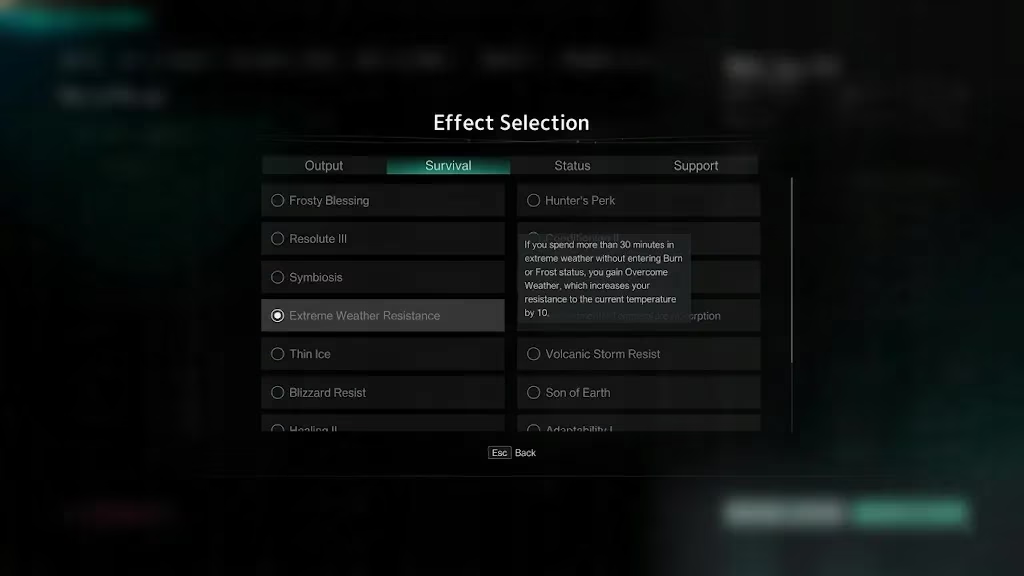
Because the available options change with the scenario type, this feels more like building a wardrobe for a very specific apocalypse than simply copying a template.
Custom Consumables: Stacked Effects, Strange Recipes
The update also adds customization for food, medicine, and drinks. Hosts can give them unique names and combine multiple effects to create stacked benefits. I’m already imagining a canned drink that heals, boosts stamina, and carries a cheeky name only my server regulars will understand.
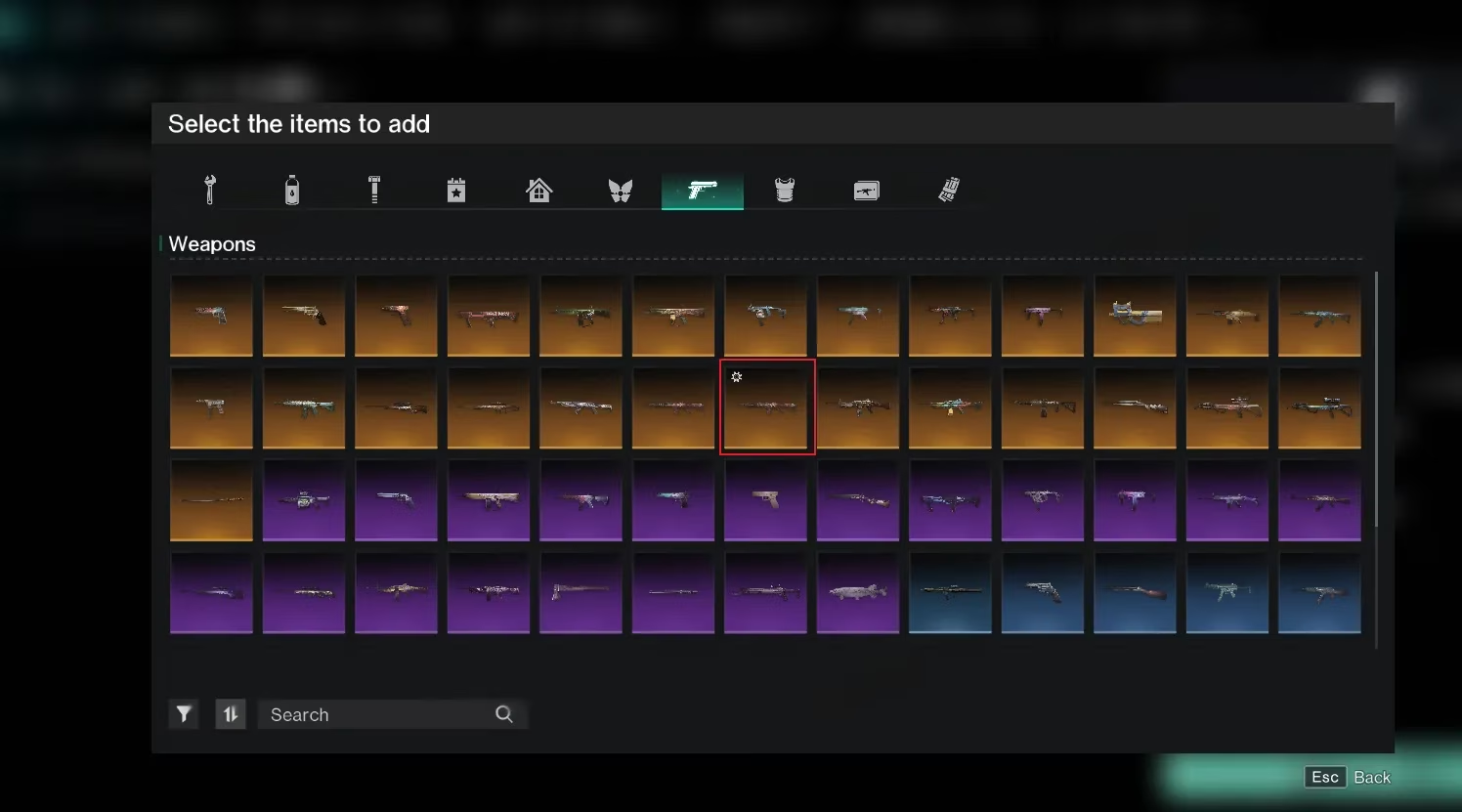
Once created, custom items can be pushed out through distribution settings such as:
-
Enemy drops
-
Supply crate drops
-
Starting backpacks
-
One-time tip gift packs
-
In-server shops
-
Leaderboard rewards
-
Server Host Functions → Add Item
The distribution menu marks custom items clearly, so they are easy to find and place.
Settings Value: The Invisible Backpack
With this much creative freedom comes a need for stability. The update introduces a Settings Value capacity system. Each setting consumes a certain amount of Settings Value based on its data complexity. Reach the safety limit and the game says no more special settings until you free some room. If you run out, reset low-priority custom items to their default state to reclaim capacity.
Settings Value feels like a backpack with invisible seams; pack it with too many fancy custom items, and the zipper refuses to close. The good news is that the team plans to keep optimizing server performance and may raise the limit based on live server conditions.
Exclusive Rewards Event: Activity Becomes Currency
Since the Community Creation Program went live last December, it has shared hundreds of thousands of RMB in rewards with Server Hosts. That program remains unchanged, but now a new prize pool sits on top of it.
Event Period: May 13 – May 27, 2026 (PT)
Rules: All active Custom Server Hosts during the event period are automatically enrolled. Keep building, managing, promoting, and growing your server while raising its Activity Index. The higher the index, the larger your share of the prize pool.
Raising Activity Index is like tending a signal fire; the brighter it burns, the more the prize-pool winds carry your share. For details, hosts can check Custom Server → Community Creation Program → Events, and view their Activity Index under Custom Server → Community Creation Program → Data.
Whether you are an experienced host or a newcomer, this update gives you plenty of room to tinker. I’m most excited about the custom consumables because stacking effects onto a weird drink feels like writing my own apocalypse recipe book. If you want to compare notes, there is also an official Custom Server channel on Discord.